

Cursor's Composer 2.5 landed on May 18, 2026, and the interesting part isn't a new model — it's what the team did to an old one. The gains come almost entirely from post-training, not a fresh checkpoint.
What Cursor Trained Into 2.5: RL-Heavy Post-Training on Kimi K2.5
Composer 2.5 runs on the same open-weights base as Composer 2: Moonshot AI's Kimi K2.5, a 1.04T-parameter mixture-of-experts model with 32B active parameters . There is no architecture swap. Cursor's launch graphic states that ~85% of Composer 2.5's total compute went into additional Composer training and RL rather than a new checkpoint — so every capability gain lives in the fine-tuning stack, not the weights it started from.
What that stack added is concrete:
- 25× more synthetic tasks than Composer 2, including feature-deletion exercises grounded in real codebases .
- More complex RL environments, plus targeted textual feedback injected at the exact trajectory point of each error — tool-call failures, style deviations, instruction drift — implemented via an on-policy distillation KL loss .
One infrastructure detail is worth noting for anyone tracking large-model training: Cursor reports sharded Muon with distributed orthogonalization and dual-mesh HSDP, hitting a 0.2s optimizer step on a 1T-parameter model . Read against the independent Artificial Analysis Coding Agent Index, where Composer 2.5 jumped +14 points over Composer 2, the takeaway is that a heavier post-training pass — not a bigger or different base — drove the bulk of the improvement .
What You Need Before Invoking Composer 2.5
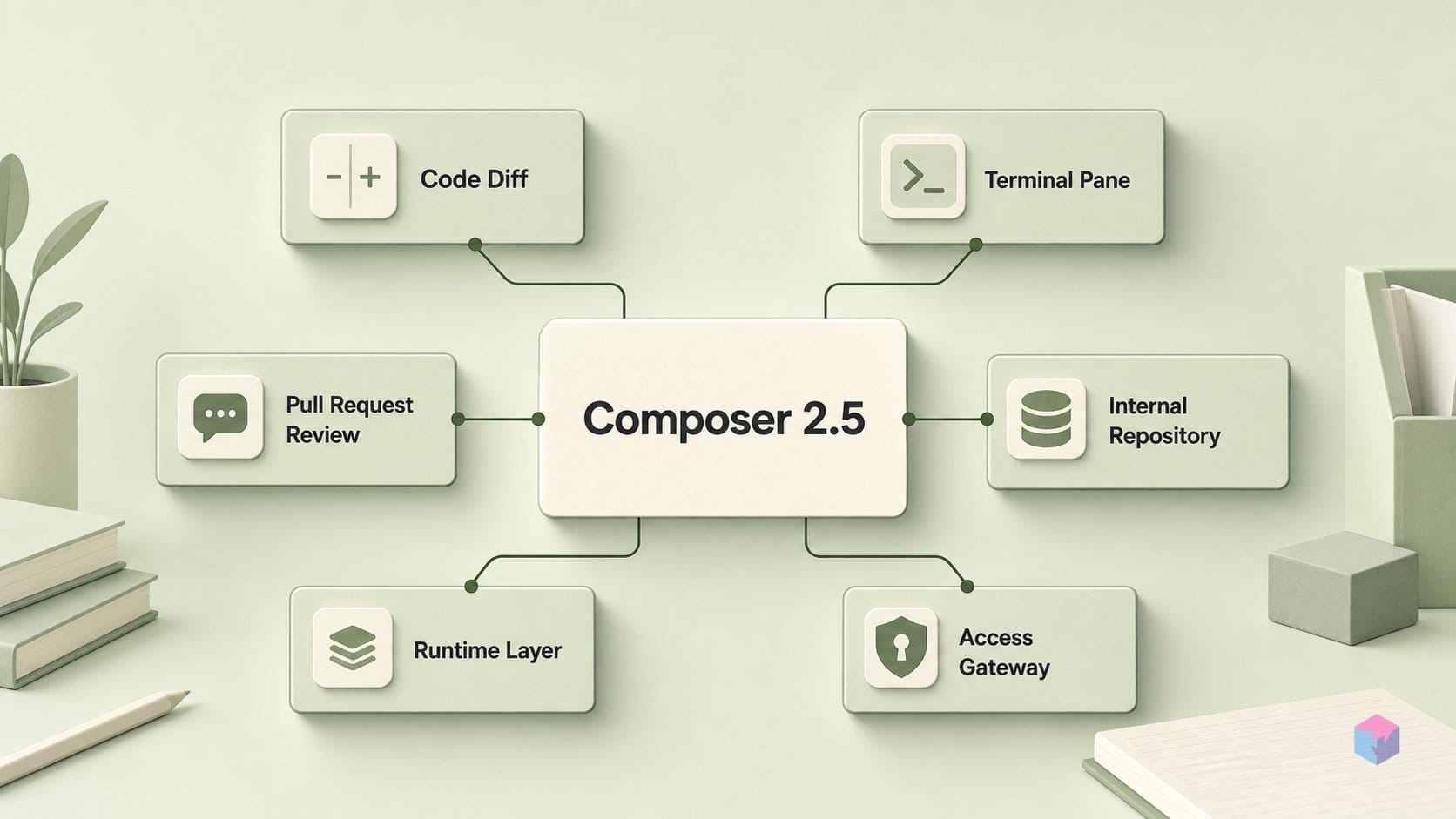
Before you can select Composer 2.5, you need a current Cursor build and a clear picture of how it bills. The model requires Cursor 3.4 or newer — version 3.5 was current as of May 20, 2026 — so run Cursor → Check for Updates and relaunch before the model name appears in the picker .
Composer 2.5 ships in two tiers that run identical model weights — tier changes per-token cost and latency only, not output quality . Fast is the launch default and runs on hotter, pricier hardware, so cost-conscious users should switch to Standard.
| Tier | Input ($/M) | Output ($/M) | Cache read ($/M) |
|---|---|---|---|
| Standard | $0.50 | $2.50 | $0.20 |
| Fast (default) | $3.00 | $15.00 | $0.20 |
Both tiers draw from one shared Auto + Composer usage pool on individual plans, with a $0.20/M cache-read rate either way . A first-week double-usage promo began May 18, 2026; as of June 2, 2026 treat it as expired and confirm under Usage in your Cursor dashboard before counting on it .
How to Select, Prompt, and Verify Composer 2.5
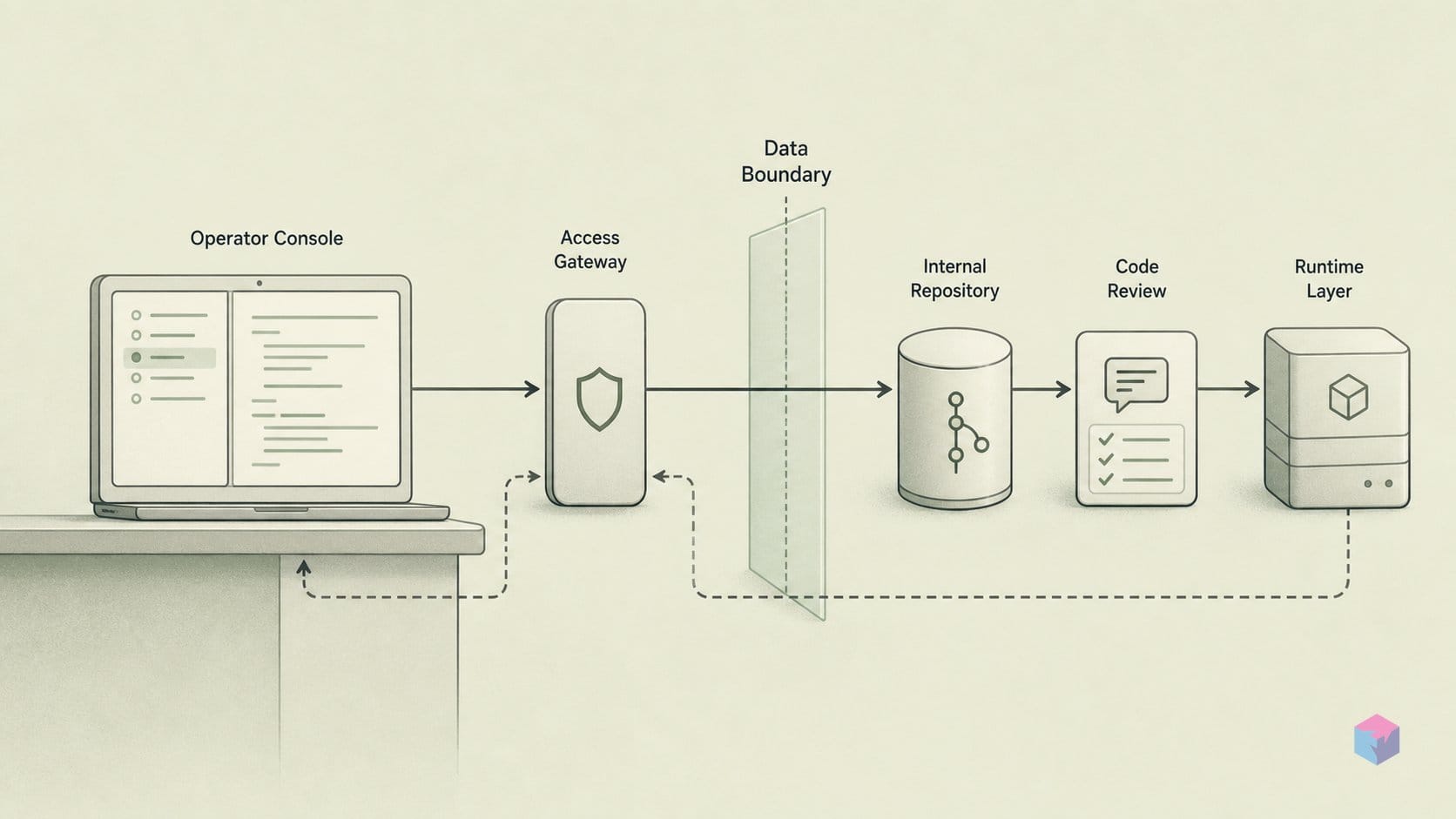
Selecting Composer 2.5 is a three-click path inside a current Cursor build, but the payoff comes from how you prompt it: write a verifiable success condition into the task and the model will self-correct toward it, because it was RL-trained against test verification [1][4]. The workflow below moves from updating the editor to encoding conventions and keeping a durable rollback path.
- Update Cursor. Composer 2.5 needs a recent build — Cursor 3.4 or newer, with 3.5 current as of May 20, 2026. Run
Cursor → Check for Updatesand relaunch when prompted. - Select the model. Open Agent with
Cmd/Ctrl+I(or a chat session), click the model name in the prompt input, and pickcomposer-2.5. The same dropdown appears in the inline-edit editor underCmd/Ctrl+K[1][4]. - Set billing per workload. Click the tier selector and switch to Standard for background, cloud, or long agent loops; enable Fast only when you need lower latency on short inline edits. Both tiers run identical weights and draw from one usage pool, so the choice changes per-token cost and first-token latency, not output quality [1][4].
- Write a success condition into every substantive prompt. Give the agent a real end state — for example, "all existing tests stay green and the endpoint returns 422 on invalid input." The model was trained against test verification and iterates toward that target instead of stopping at first-draft code.
- Ask it to plan before touching files. For a safer first pass, prompt: "identify the likely files, propose a minimal test-backed patch — do not write code yet." Reviewing the plan before edits land catches misreads early.
- Encode conventions in rules. Put project standards in
.cursor/rules(.mdcfiles) orAGENTS.md. Cursor supports Project, User, and Team Rules; keep each rule actionable, scoped, under 500 lines, and checked into git when it is project-specific. - Keep a rollback path. The agent creates checkpoints — local snapshots you can roll back to — and
agent resumerecovers an interrupted session. Treat these as convenience layers: Git remains the durable version control, so commit before long autonomous runs [3][4].
One pro tip from the Cursor team is to lean on the agent's clarifying questions rather than over-specifying upfront (video: Cursor) — describe the goal and the verification, and let it surface the files it needs to read.
Before You Rely on It: Billing Reality and the Independent Verdict
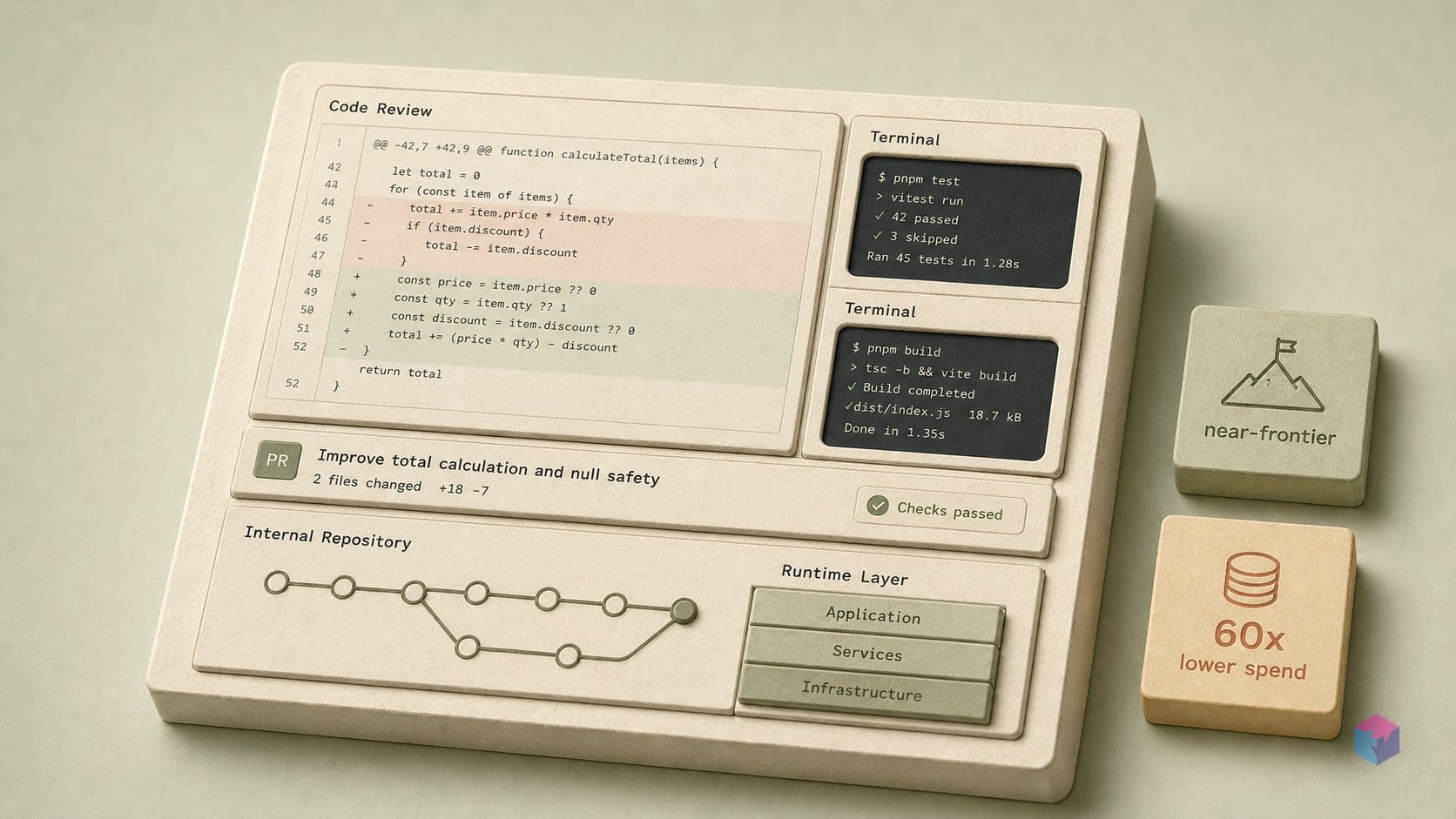
Before you trust Composer 2.5 with a long session, check your billing selector: Fast is the launch default, and it runs the same model weights as Standard at a higher per-token rate . Fast costs $3.00/M input and $15.00/M output versus Standard's $0.50/M and $2.50/M — roughly 6× the rate for no quality gain, only faster first tokens . Switch to Standard for everything but latency-sensitive inline edits.
Is the capability claim real? Independent measurement broadly corroborates Cursor without matching it exactly. Artificial Analysis's Coding Agent Index scores Composer 2.5 at 62 — third overall, behind Claude Code with Opus 4.7 (66) and Codex with GPT-5.5 (65) . That is a +14-point jump over Composer 2's 48, driven by SWE-Bench-Pro-Hard-AA rising +35 points, from 12% to 47% . By contrast, CursorBench v3.1 — where Cursor reports 63.2% — is an internal benchmark built from real Cursor sessions, not a neutral public leaderboard .
Two caveats deserve weight before you build a workflow on it. First, supply chain: the base weights are Moonshot AI's Kimi K2.5, a third-party open checkpoint, and the from-scratch model Cursor is training with SpaceXAI on Colossus 2 (targeting ~10× the compute) has not shipped and is not part of 2.5 . Second, there is no independent confirmation that Fast and Standard are quality-equivalent on real production repositories — Cursor claims identical weights, and that is the only evidence on the table . Treat the cost win as proven and the equivalence as a vendor assertion until your own diffs say otherwise.
Where to Take It: Worktrees, Rules Files, and Mixing With Other Models
The strongest setup is not Composer 2.5 alone but Composer 2.5 as the cheap default in a multi-model rotation. A common routing pattern: send refactors and medium agent loops to Composer 2.5 Standard, route architectural reasoning to a frontier model like Opus 4.7, and hand terminal-heavy or multi-shell work to GPT-5.5 . Git worktrees let all three operate on one repository in parallel without stepping on each other, since each task gets its own isolated branch .
Three CLI flags make that workflow practical: --mode=plan inspects and proposes before touching files, --worktree isolates each task on its own branch, and --print runs non-interactively for scripting and CI .
Don't take the cost claim on faith — calibrate with your own data. Run one real refactor on Standard, record token spend, then run the identical task on a frontier alternative and compare quality and spend side by side. The math that motivates the experiment is simple (this snippet ran, exit 0):
frontier = {"name": "Frontier", "score": 100.0, "spend": 60.0}
composer = {"name": "Composer 2.5", "score": 97.0, "spend": 1.0}

score_gap = frontier["score"] - composer["score"]
spend_ratio = frontier["spend"] / composer["spend"]

print(f'{composer["name"]}: {composer["score"]:.0f}% of frontier quality')
print(f"Gap to frontier: {score_gap:.0f} points")
print(f"Spend reduction: {spend_ratio:.0f}x lower spend")
The takeaway: at roughly $0.07 per task standard versus $4.10 for Opus 4.7 , even a modest quality gap pays for itself across a day of agent loops. Make Composer 2.5 Standard your default, escalate deliberately, and let your own diffs decide the rest.
Frequently asked questions
Is Composer 2.5 the same model as Composer 2?
Yes and no. Composer 2.5 runs on the same open-weights base checkpoint as Composer 2 — Moonshot AI's Kimi K2.5, a 1.04T-parameter mixture-of-experts model with 32B active parameters . The difference is post-training, not architecture: Cursor states that roughly 85% of Composer 2.5's total compute came from additional Composer training and reinforcement learning, including about 25× more synthetic tasks than Composer 2 . So the gains are in fine-tuning on the same checkpoint, not a new base model.
What is the real difference between Composer 2.5 Standard and Fast?
They run identical model weights, so per Cursor there is no quality difference — only latency and cost . Fast runs on hotter, more expensive hardware for faster first tokens and is priced at $3.00/M input and $15.00/M output, versus Standard's $0.50/M input and $2.50/M output — roughly 6× more per token . Fast was the launch default, so for long agent sessions switch to Standard unless you specifically need low-latency inline edits.
How accurate are Cursor's benchmark claims for Composer 2.5?
Independent testing broadly corroborates them. Artificial Analysis placed Composer 2.5 at 62 on its Coding Agent Index — third overall, behind Claude Opus 4.7 in Claude Code at 66 and GPT-5.5 in Codex at 65, and a +14-point jump over Composer 2's 48 . Treat Cursor's CursorBench figures more cautiously: it is an internal benchmark built from real Cursor engineering sessions, not a neutral public leaderboard .
Does Composer 2.5 work in the Cursor CLI?
Yes. Composer 2.5 is available in both the Agent UI and the terminal CLI . The agent CLI supports --mode=plan for inspect-before-edit runs, --worktree to isolate changes on a separate branch, and --print for non-interactive scripting, alongside Ask mode, slash commands, @ context selection, and agent resume .
Is the launch double-usage promotion still active?
Almost certainly not. The first-week double-usage promotion began on May 18, 2026 . As of June 2, 2026 it should be treated as expired unless your Cursor dashboard says otherwise — check under Usage to confirm your current rate before planning around it.