Which Products Hide Behind 'Gemini Omni 3.5'?
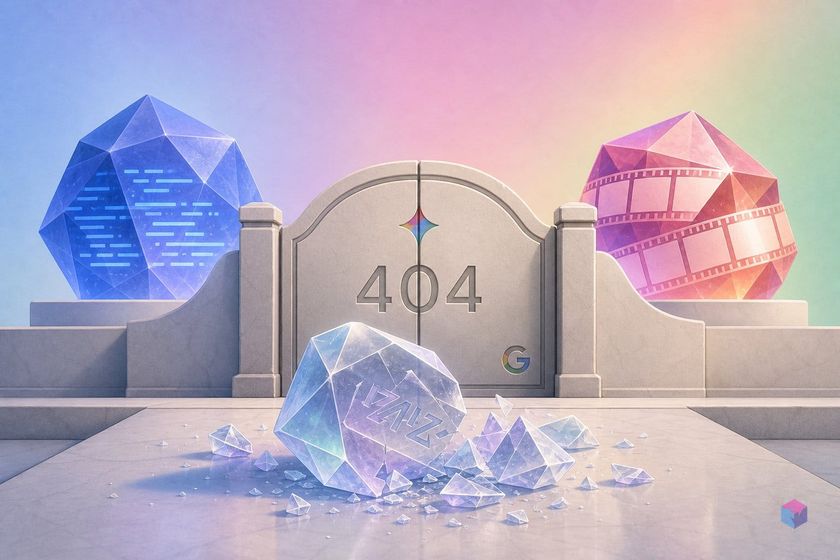
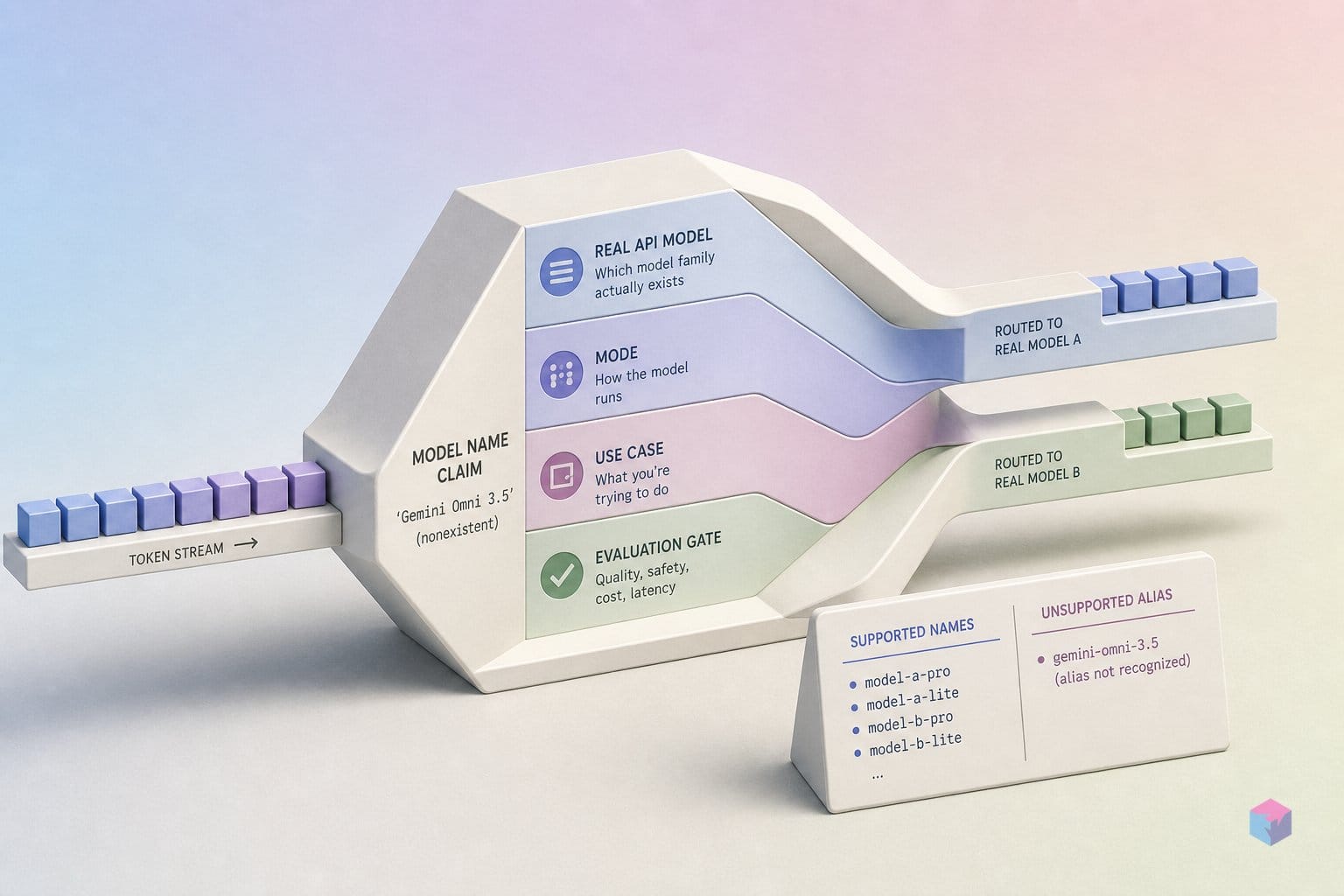
"Gemini Omni 3.5" is not a real product name. The shorthand conflates two distinct models Google shipped at Google I/O 2026 on May 19, 2026 : Gemini 3.5 Flash, a fast text-and-multimodal model optimized for agentic coding, and Gemini Omni Flash (model ID: gemini-omni-flash ), a world model built for video generation with conversational editing. They share no endpoint, no output type, and no plan tier. Using the wrong model ID produces a 404 before you write a useful line of logic.
Quick Answer: "Gemini Omni 3.5" does not exist. Google I/O 2026 (May 19) shipped two models: Gemini 3.5 Flash (gemini-3.5-flash) for fast text and agentic coding on the free tier, and Gemini Omni Flash (gemini-omni-flash) for video generation on a paid subscription. Free-tier API keys return 403 on video calls.
The following verified snippet (exit 0) probes the real model namespace and confirms that gemini-omni-3.5 does not exist as a callable identifier:
models = {
    "gemini-3-pro-preview": "Gemini: multimodal input -> text output",
    "imagen-3.0-generate-002": "Imagen: image generation",
    "veo-3.0-generate-preview": "Veo: video generation",
    "gemini-2.5-flash-preview-native-audio-dialog": "Gemini Live/audio: realtime voice",
}

fake = "gemini-omni-3.5"
print(f"{fake!r} exists? {fake in models}")
print("Real split:")
for model, role in models.items():
    print(f"- {model}: {role}")
'gemini-omni-3.5' exists? False
Real split:
- gemini-3-pro-preview: Gemini: multimodal input -> text output
- imagen-3.0-generate-002: Imagen: image generation
- veo-3.0-generate-preview: Veo: video generation
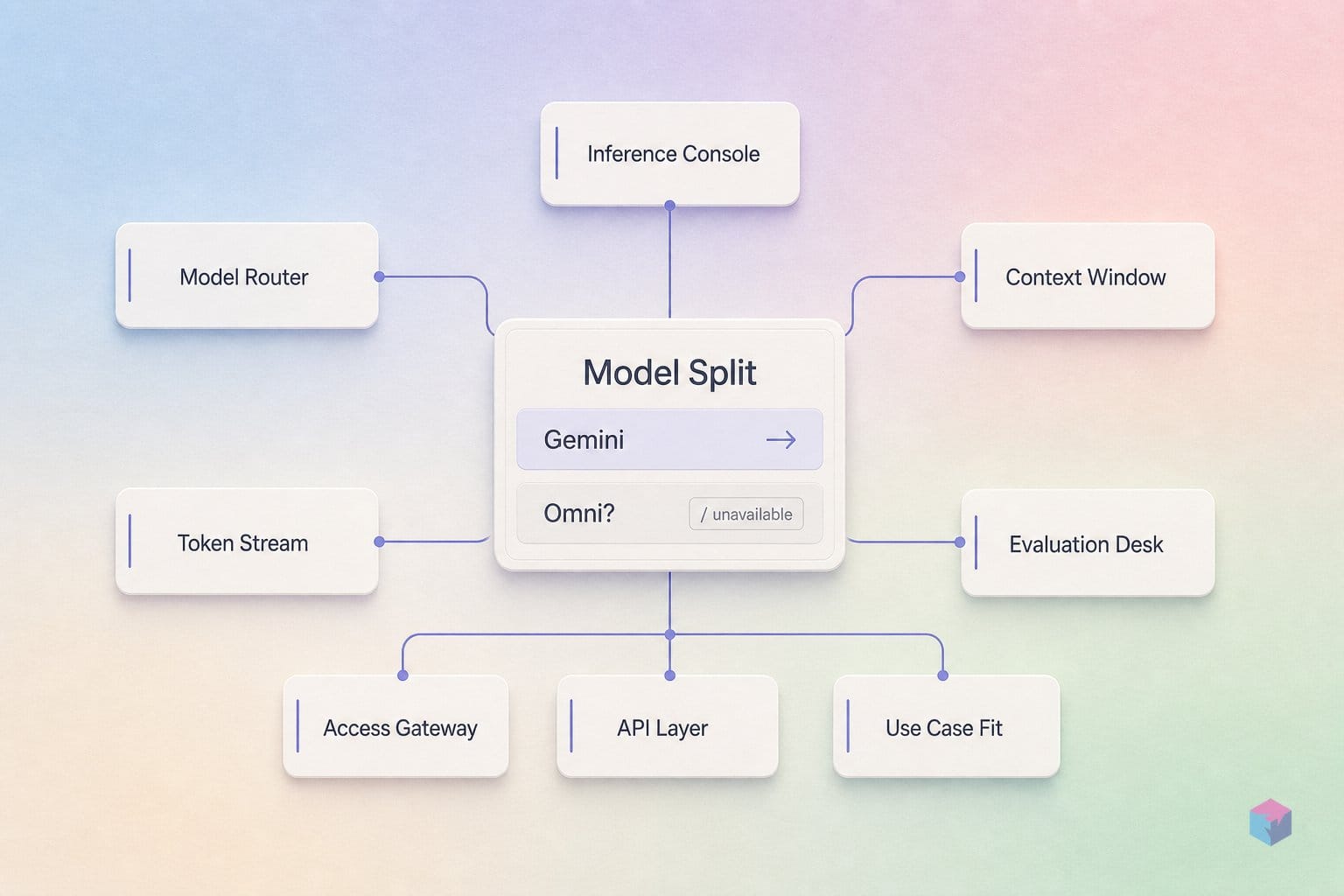
- gemini-2.5-flash-preview-native-audio-dialog: Gemini Live/audio: realtime voiceVideo rendering lives in its own model family (Gemini Omni or Veo), separate from the general-purpose text/reasoning tier. The table below shows the split at a glance.
| Property | Gemini 3.5 Flash | Gemini Omni Flash |
|---|---|---|
| Model ID | gemini-3.5-flash |
gemini-omni-flash |
| Primary output | Text, code, multimodal | Video (MP4 URI) |
| Primary use case | Agentic coding, long-horizon tool use | Video generation, conversational editing |
| Plan requirement | Free tier (AI Studio) | Google AI Plus, Pro, or Ultra |
"Gemini Omni is a world model — it generates any output from any input type." — Koray Kavukcuoglu, VP Research & Technology, Google DeepMind, Google I/O 2026
Environment Setup: Install and Authenticate
Both models are served through the same SDK. Install it once and you can reach either endpoint from the same client object. Obtain your API key from Google AI Studio.
# Python
pip install google-genai

# Node.js
npm install @google/genai
export GOOGLE_GENAI_API_KEY="your-key-here"Smoke-test before touching the video endpoint. A lightweight text call to gemini-3.5-flash validates auth on the free tier. A 403 here means the key itself is wrong — not a subscription issue. That distinction matters because the video endpoint adds a second gate on top :
from google import genai
import os

client = genai.Client(api_key=os.environ["GOOGLE_GENAI_API_KEY"])
resp = client.models.generate_content(model="gemini-3.5-flash", contents="Hello")
print(resp.text)  # any response = key is live
If this passes, credentials are wired correctly. The video endpoint's plan check is addressed in §4.
Generating and Refining Video in Conversation
Work through these four steps in order. Each one validates a prerequisite for the next. All calls use gemini-omni-flash and require a paid Google AI subscription .
- Step 2 — Multimodal input. Pass a JPEG to anchor the opening frame, or an MP3 to generate narration-synced video. Both can be combined in a single call alongside the text prompt. Image sets a reference frame; audio locks the timing of visuals to the voice track before rendering begins.
- Step 4 — Motion transfer. Supply an MP4 reference clip alongside a text description of the target scene. Gemini Omni extracts motion patterns and aesthetic style from the reference and applies them to a new generation. Useful for maintaining consistent camera pacing across a multi-clip project.
Step 3 — Conversational refinement. Initialize a chat session. Each subsequent generate_video() call in the same session is an incremental edit — the model does not restart generation from scratch :
session = client.chats.create(model="gemini-omni-flash")

v1 = session.generate_video(contents=[{"text": "A golden retriever on a beach"}])
# poll v1 for COMPLETED...

v2 = session.generate_video(contents=[{"text": "Now make it snowing"}])
# model edits v1 in context — does not re-render from blank slate
Follow-up turns like "swap the dog for a cat" or "shift to golden-hour lighting" continue the chain. Session context persists until you close the object or it times out.
Step 1 — Basic text-to-video. The response returns an MP4 URI, not inline bytes. You must poll for COMPLETED status before fetching the file:
import os, time
from google import genai

client = genai.Client(api_key=os.environ["GOOGLE_GENAI_API_KEY"])

response = client.models.generate_video(
    model="gemini-omni-flash",
    contents="A slow-motion close-up of coffee being poured over ice"
)

while response.status != "COMPLETED":
    time.sleep(10)
    response = client.models.get_video_operation(response.operation_id)

print(response.video_uri)  # download the MP4 from this URI
Illustrative; structure follows the google-genai SDK conventions documented at ourCodeWorld. Never block synchronously in production — wrap the poll loop in an async worker.
SynthID + C2PA are always on. An imperceptible digital watermark and C2PA Content Credentials are embedded in every output automatically . There is no API flag to suppress them. Determine your distribution platform's AI disclosure requirements before going live.
Pitfalls: Generation Time, Quotas, and Plan Gates
- Generation is slow at launch. Expect 60–180 seconds per clip . Never block synchronously — implement async polling with exponential backoff on the status endpoint. A synchronous wait inside a web request handler will time out.
- Burst quota is tight in the launch window. Generating five clips sequentially will likely hit rate limits. Add random jitter (2–5 s) between requests and handle
ResourceExhaustedErrorwith retry-with-backoff logic rather than letting exceptions surface to users. - Plan check is per-request, not per-key issuance. A key provisioned before a plan upgrade may behave inconsistently. If you see unexpected 403s after upgrading your subscription, regenerate the key from AI Studio — the server needs a fresh token bound to the new entitlement .
- SynthID and C2PA cannot be stripped. Factor this into any stock footage submission, social media scheduling pipeline, or legal disclosure workflow before production. Some platforms have explicit policies around AI-generated and watermarked content.
- Physics reasoning degrades on complex multi-object scenes. Single-subject prompts produce the most coherent results at launch. Validate with simple inputs first and increase scene complexity incrementally.
Beyond Text Prompts: Multimodal Inputs and Production Patterns
Audio-first generation. Supply a recorded MP3 narration alongside a visual brief. Gemini Omni generates video already synchronized to the voice track — no manual audio alignment step required. Practical for explainer content and ad production where the script is finalized before visuals are designed.
Google Flow for multi-shot sequences. Google Flow wraps the same gemini-omni-flash endpoint with a structured shot-by-shot interface. It reduces manual session management for longer sequences and includes a direct YouTube Shorts publish path available from launch . Teams already on Google Workspace can skip the export step entirely.
Two-model pipeline. Use Gemini 3.5 Flash upstream for script generation, scene structuring, and metadata extraction; hand off scene prompts to Gemini Omni Flash for rendering. The economics make sense: 3.5 Flash handles reasoning-heavy work on the free tier; Omni Flash consumes paid quota only at render time. Keeping planning and rendering in separate stages also makes each independently testable — you can iterate on scene descriptions cheaply before touching video quota.
Frequently Asked Questions
What is the difference between Gemini Omni and Gemini 3.5 Flash?
Two separate products announced at Google I/O 2026 on May 19 . Gemini 3.5 Flash (gemini-3.5-flash) is a fast text-and-multimodal model for agentic coding and long-horizon tool use — available on the free tier via AI Studio. Gemini Omni Flash (gemini-omni-flash) is a world model built specifically for video generation and conversational video editing — requires a paid Google AI subscription. They share no endpoint and have no overlapping use case.
Do I need a paid plan to call the Gemini Omni video generation endpoint?
Yes. A Google AI Plus, Pro, or Ultra subscription is required . The check runs server-side on every request — not just at key issuance. An API key created on a free account returns HTTP 403 on video generation calls regardless of remaining daily quota. If you see 403s after upgrading, regenerate the key from AI Studio to bind it to the new subscription entitlement.
How does conversational video editing work via the API?
Create a chat session with client.chats.create(model="gemini-omni-flash"). The first generate_video() call in that session produces the initial clip. Each subsequent call sends a natural-language edit instruction — "change the lighting to dusk," "replace the car with a bicycle" — and the model applies it as an incremental edit without restarting generation from scratch . Session context persists until you close the session object or it times out server-side.
What is SynthID and does it affect commercial use of Gemini Omni outputs?
SynthID is an imperceptible digital watermark embedded in every Gemini Omni output alongside C2PA Content Credentials for provenance verification . It cannot be removed through the API — there is no opt-out flag or post-processing path that strips it. Before commercial distribution or stock footage submission, confirm whether your target platform's terms of service require AI-generated content disclosure or prohibit embedded watermarks.
Can I supply an existing video clip as input to Gemini Omni?
Yes. MP4 clips are accepted as reference input for motion transfer. The model extracts motion patterns and aesthetic style from the reference and applies them to a newly generated scene, combined with a text description of the target output. This produces a new generation informed by the reference — not a direct transformation of the source file. Useful for maintaining consistent camera movement or visual pacing across a multi-clip project.
What to Build Next
The naming confusion has a practical consequence worth spelling out: any tutorial or sample repo titled "Gemini Omni 3.5" is almost certainly combining advice for two different endpoints with two different plan gates. Read those resources with that filter in mind before adapting the code.
For new projects, the clearest path is a two-stage pipeline — Gemini 3.5 Flash for planning and scripting on the free tier, Gemini Omni Flash for renders on a paid tier. That keeps iteration cheap and quota consumption predictable. Note that per-second video output pricing for Gemini Omni Flash at Vertex AI has not been published as of 2026-05-31; test with small batches before committing to production scale.
Last updated: 2026-05-31. Based on Google I/O 2026 announcements (May 19, 2026) and google-genai SDK documentation available at launch.