What v2.1.157 Delivers
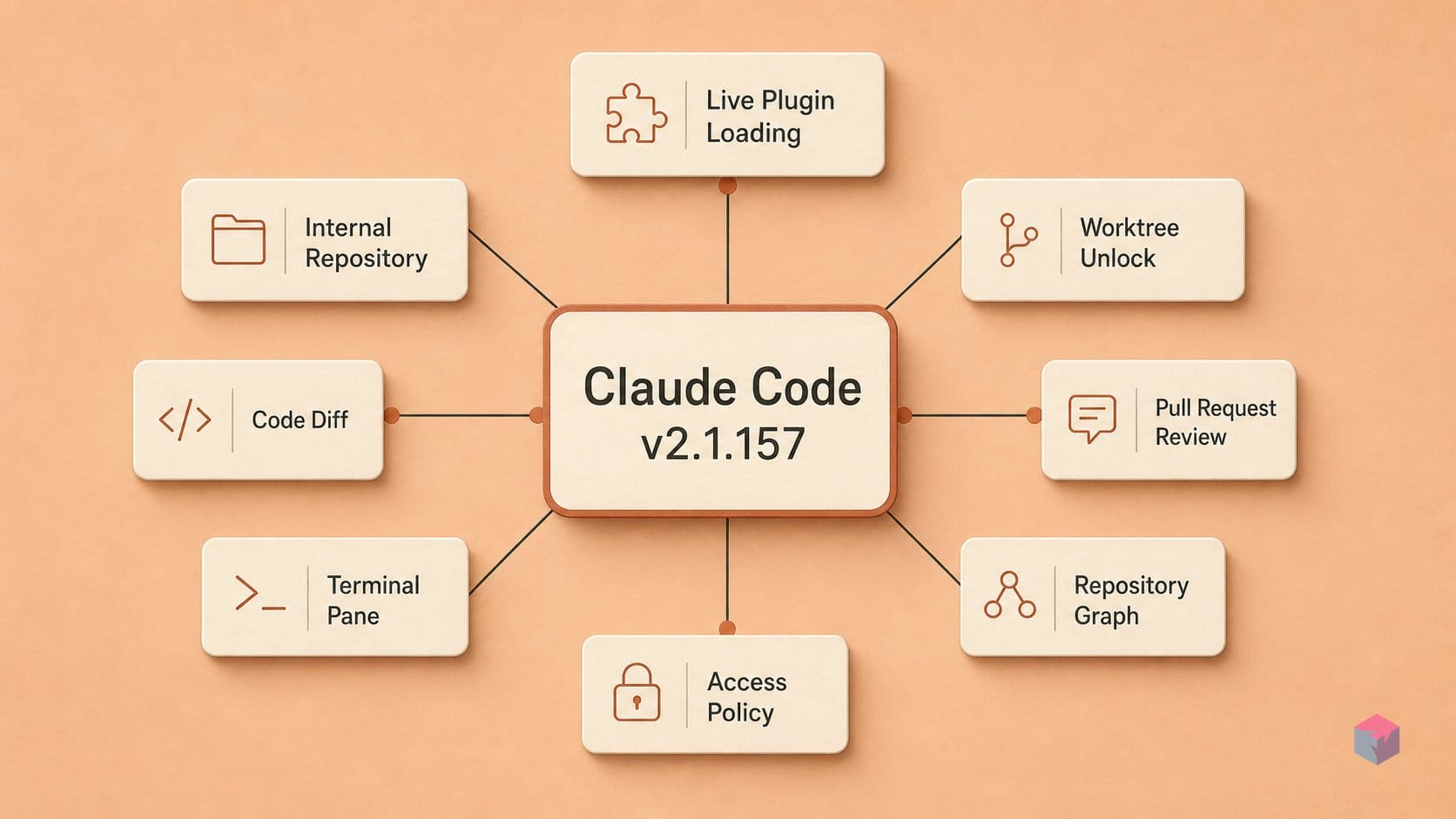
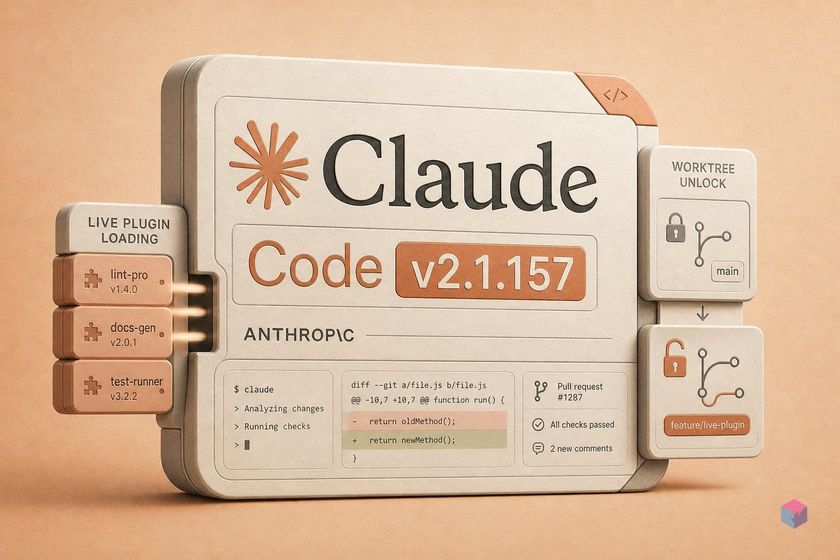
Claude Code v2.1.157 landed on May 29, 2026 — part of a weekly cadence that has moved the tool from v2.1.83 in March to v2.1.157 in under three months . The release carries no breaking changes and touches four surface areas: the plugin/skills system, dispatched session configuration, OpenTelemetry tool-parameter logging, and a 20+ item bug-fix round that closes several regressions from the prior two weeks.
Quick Answer: Claude Code v2.1.157 (May 29, 2026) adds automatic plugin loading from .claude/skills/ — no --plugin-dir flag needed — alongside dispatched-session agent config, OTEL tool-parameter logging, and 20+ bug fixes including the tmux clipboard regression from v2.1.153.
The pace matters for teams pinning versions. Going from v2.1.83 to v2.1.157 in ~11 weeks means a pinned install can fall 70+ patch levels behind in a single sprint cycle. If you're locking a CI image or a shared dev container to a specific Claude Code build, factor in that weekly updates now routinely touch the SDK surface, the sessions UX, and the plugin loader simultaneously .
The changelog entry for plugin auto-loading reads: "Plugins placed in .claude/skills/ are automatically loaded on session start — no marketplace publish or explicit install step required." What that replaces: previously you either published a plugin to the marketplace or passed a --plugin-dir path at every invocation. Neither option was usable for project-local tooling you didn't want to publish. The new behavior makes .claude/skills/ a live-load directory — drop something in, start a new session, it's there.
"Companion features shipped alongside:claude plugin init <name>scaffolds a plugin skeleton directly inside.claude/skills/;/pluginautocompletion now includes subcommands, installed names, and marketplace entries." — Claude Code CHANGELOG, May 29 2026
| Capability | Before v2.1.157 | After v2.1.157 |
|---|---|---|
| Local plugin loading | Requires --plugin-dir <path> on every invocation or marketplace publish |
Drop into .claude/skills/; loaded automatically on session start |
| Claude-managed worktree unlock | Worktrees left locked at session end; git worktree remove requires manual lock-breaking |
Worktrees unlocked on session close; git worktree prune works without intervention |
| OTEL tool parameters | tool_decision events carry no command detail |
OTEL_LOG_TOOL_DETAILS=1 adds tool_parameters (bash commands, skill names) to events |
| Zero-byte image handling | Corrupt or empty image crashes the entire request | Replaced with a text placeholder; request continues |
Step 1 — Drop Plugins into .claude/skills/
The .claude/skills/ directory is now a first-class plugin loader. On session start, Claude Code scans every subdirectory inside it and loads whatever plugins it finds — no flags, no publish step, no restart of a background process . To scaffold a new plugin, run:
claude plugin init my-deploy-toolsThat creates .claude/skills/my-deploy-tools/ with the following skeleton:
.claude/skills/my-deploy-tools/
├── plugin.json          # metadata: name, version, description
├── skills/
│   └── deploy.md        # one skill per .md file
└── hooks/
    └── pre-tool.js      # optional lifecycle hooks
If .claude/skills/ doesn't exist yet, plugin init creates it. You can also create the directory manually and place a plugin directory inside it — the loader doesn't care how it got there .
A skill is a single Markdown file with YAML frontmatter. A plugin bundles one or more skills plus hooks and a metadata manifest into a shareable directory unit. The distinction matters for tooling: claude plugin install installs a full plugin (from marketplace or a local path); you can also author a raw .md skill file in .claude/skills/ directly and it will be picked up as a standalone skill without a manifest.
A key frontmatter flag worth knowing is disable-model-invocation: true. Set this on any skill that wraps a destructive command — a deploy script, a database migration, a force-push — and Claude will not auto-trigger it based on context. The skill becomes user-initiated only. Example frontmatter:
---
name: deploy-staging
description: Push current branch to staging environment
disable-model-invocation: true
---
Deploy branch to staging: